

NymVPN for macOS
Shield your personal data from all surveillance
Access content worldwide when you need it
Secure your data through multi-layered encryption and decentralized routing


How to install NymVPN on macOS

Download and install NymVPN
Click on the "Download for macOS" button above. Unzip the .pkg file and mount the "NymVPN Installer" disk image.
Optional: Verify the SHA-256 hash
You can verify the SHA-256 hash of the downloaded file.
Grant necessary permissions
Upon opening the NymVPN app, click "Yes" in the modal window asking you if you are sure to open it.
Enter your credential and connect
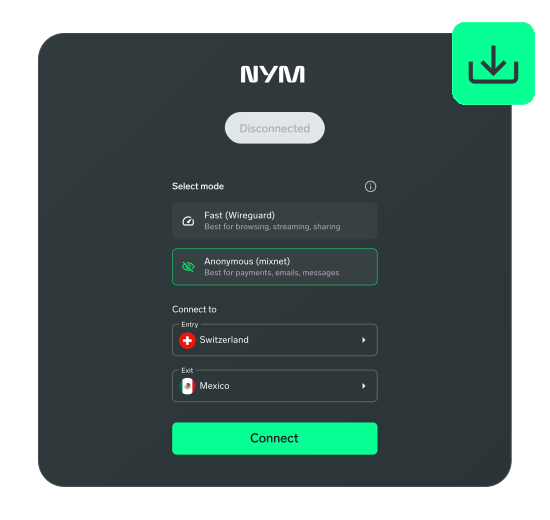
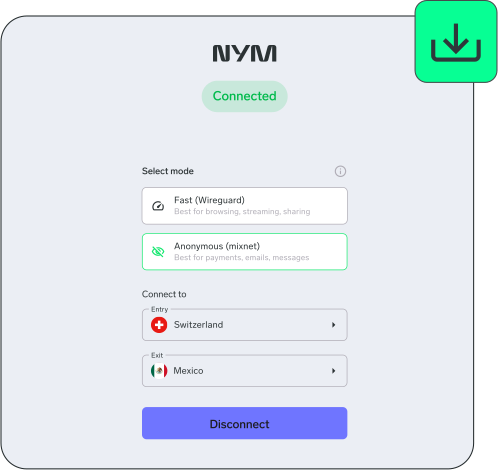
Enter your NymVPN anonymous 24-word passphrase or sign in with your own account. Click on "Connect".
FAQs: NymVPN for macOS
To use NymVPN on macOS, subscribe to NymVPN, download and install the macOS app from nym.com, and log into the app with your recovery phrase.
Apple stopped support for macOS Ventura 13 at the end of 2025. NymVPN now requires macOS 14 or above. You can read more here.
With NymVPN on macOS, all the data coming to and from your macOS device will be protected against surveillance.