What network traffic reveals: How to protect yourself against traffic analysis
Your traffic patterns are more revealing than you think. Learn how to stay private online.

Share
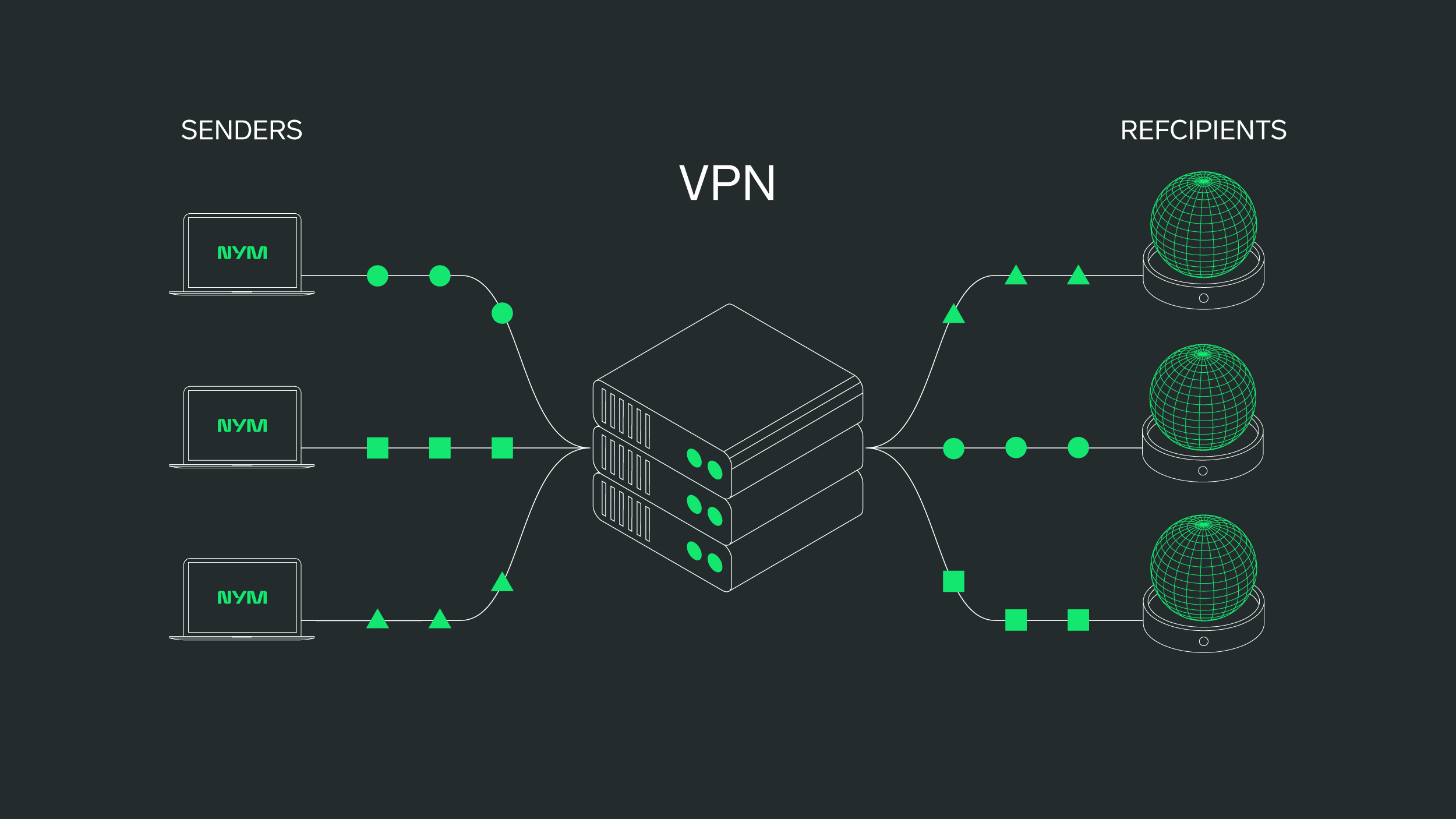
Your network traffic says more about you than you think. Even when your messages are encrypted, observers can track who you’re talking to, when, how often, and for how long. This data — called metadata — forms the foundation of network traffic analysis.
In a world where everything is connected, understanding how your digital footprint is analyzed is the first step to reclaiming your privacy. And decentralized VPNs are the first line of defense you can take.
Avoid public Wi-Fi without protection
Public networks are a hotspot for passive traffic surveillance. If you must use them, connect through a trusted VPN with metadata protection.
Reset network settings on mobile devices
If you suspect tampering, reset your iPhone’s network settings: Settings > General > Transfer or Reset iPhone > Reset > Reset Network Settings
This removes rogue DNS servers, VPN configs, or proxies.
Use secure DNS providers
Switch to DNS over HTTPS (DoH) with providers like Cloudflare (1.1.1.1) or Quad9. These prevent your DNS queries from being intercepted or logged.
Limit unnecessary network activity on iPhone (iOS 17+)
The more your device connects, the more metadata it leaks — often without your knowledge. Many apps send background signals for syncing, tracking, or advertising. Disabling these can shrink your digital footprint significantly.
-
Go to Settings > General > Background App Refresh
-
Tap Background App Refresh& again and select Off
-
Go to Settings > Privacy & Security > Location Services
-
Turn off access for apps that don’t need your location
-
Set app access to While Using the App if needed
-
Go to Settings > Privacy & Security > Location Services > System Services
-
Toggle off Bluetooth Scanning and Wi-Fi Scanning
-
Go to Settings > Mail > Accounts > Fetch New Data
-
Set accounts to Manual or Fetch instead of Push
Limit unnecessary network activity on macOS or Desktop
-
Use Activity Monitor (macOS) or Task Manager (Windows)
-
Identify apps using network resources and close anything unnecessary
-
On macOS: Go to System Settings > General > Login Items
-
On Windows: Go to Settings > Apps > Startup
-
Go to System Settings > Privacy & Security > Analytics & Improvements
-
Toggle off Share iPhone & Watch Analytics
Take control of your network privacy
Being online shouldn't mean being exposed. Traffic analysis can quietly map your digital life — but it can also be stopped.
Tools like NymVPN, secure DNS providers, and privacy-conscious browser settings help close the gaps. But it starts with awareness. You don’t have to be a target to be profiled. And you don’t have to be technical to push back.
→ Ready to stop traffic tracking? Download NymVPN.
Traffic Analysis: Frequently Asked Questions
Yes. Many VPNs hide your IP address but not your traffic patterns. Traffic analysis can still detect who you connect to, when, and how often. NymVPN defends against this by obscuring timing and flow metadata.
In many cases, yes—especially within corporate or ISP-owned networks. But legality doesn’t equal privacy. Even lawful traffic monitoring can reveal sensitive behavioral patterns that should remain private, particularly when used without your knowledge or consent.
No. HTTPS encrypts what you send but not the when, where, or how often. Observers can still track connection metadata and make inferences about your behavior. That’s why encryption alone isn’t enough for full privacy.
Yes. Tools like Wireshark, Little Snitch, or GlassWire let you observe outbound traffic and identify leaks. This helps you understand which apps or services may be revealing more about you than you realize.
Packet inspection examines the content of network traffic, while traffic analysis focuses on metadata like IP addresses and timing. Combined, they provide a detailed picture of what you're doing—even without reading your messages.
About the authors
Casey Ford, PhD
Communications Lead
Ania M. Piotrowska, PhD
Table of contents
Keep Reading...
What is metadata & what can it reveal about you?
Understanding the raw material of digital surveillance
Why end-to-end encryption is essential for online privacy
Explore the meaning of end-to-end encryption, how it works, and its advantages and limitations.
How to change your IP address on any device or OS
Changing your IP address can help you enhance security, access restricted content, and troubleshoot network issues.
Nym is more than a VPN
The first app that protects you from AI surveillance thanks to a noise-generating mixnet